
FEIRA CRIATIVA
CURADORIA ABERTA!
FAÇA PARTE DA VILA PLURAL
Conecte-se a um público que valoriza criatividade, cultura e produtos autorais em duas edições no CCSP (Centro Cultural São Paulo).

Vila Plural — Criatividade em Movimento
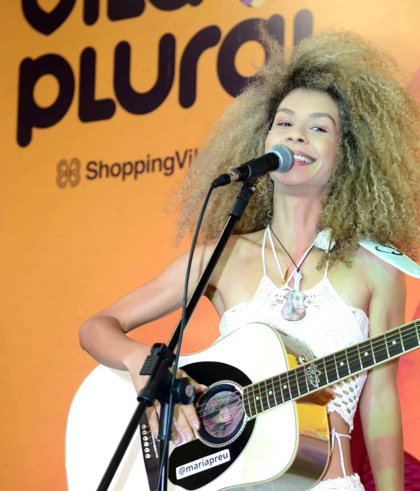
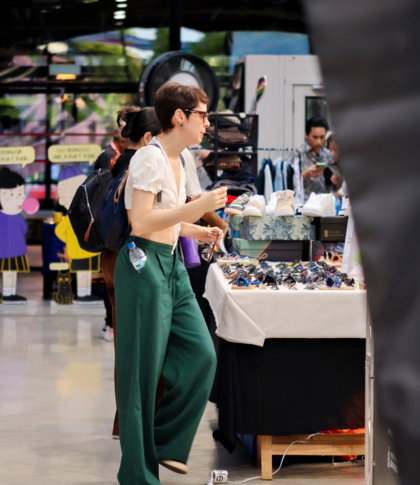
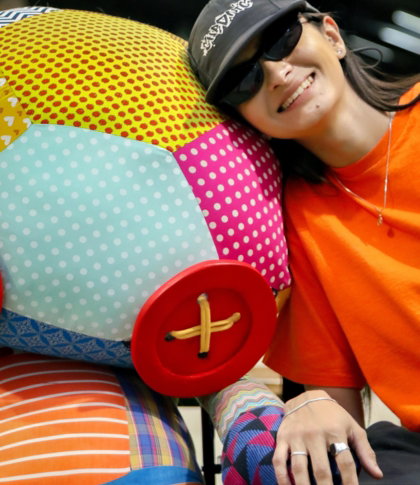
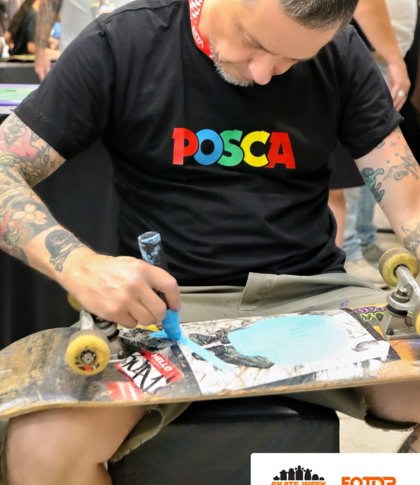
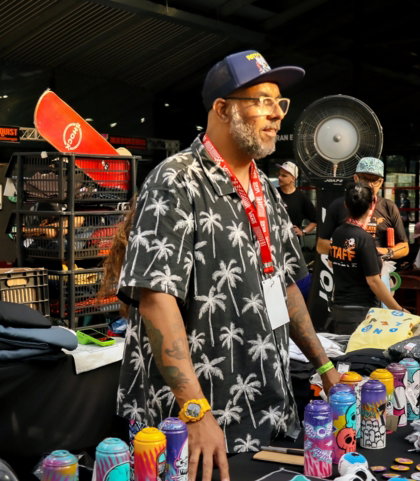
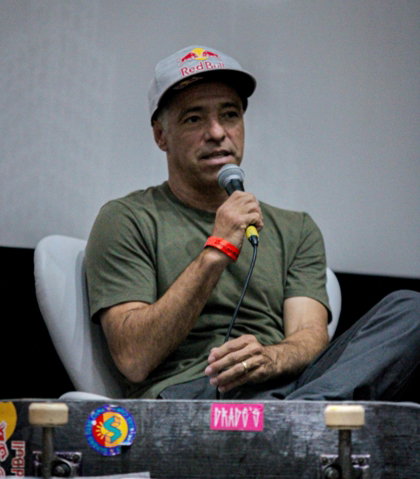
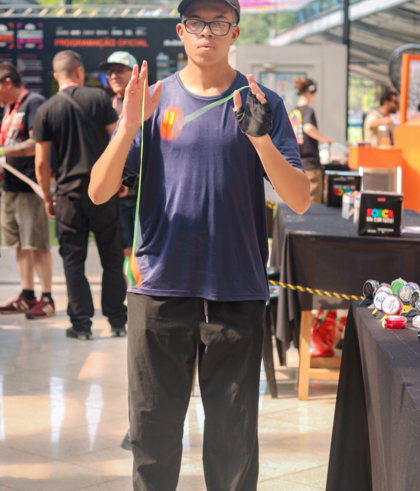
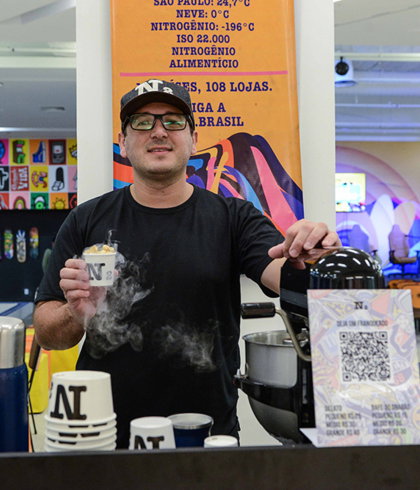
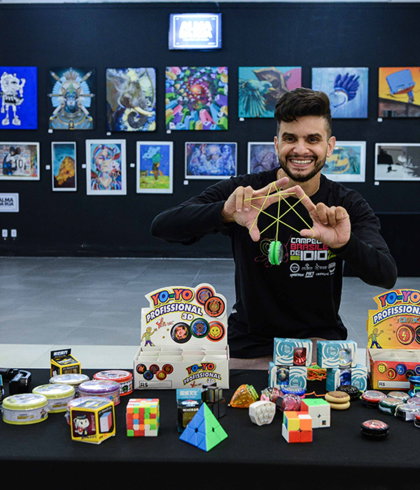
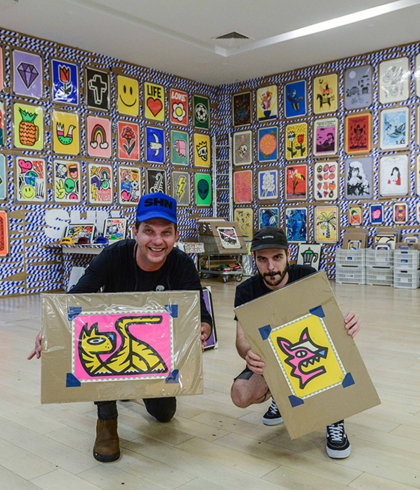
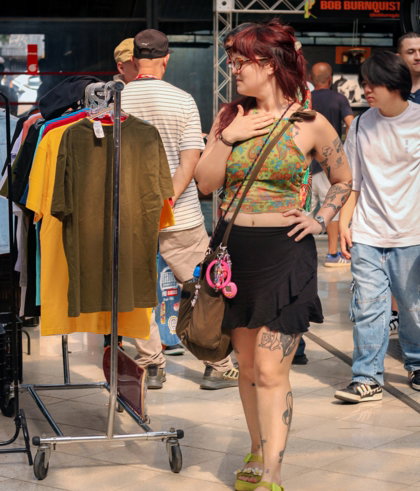
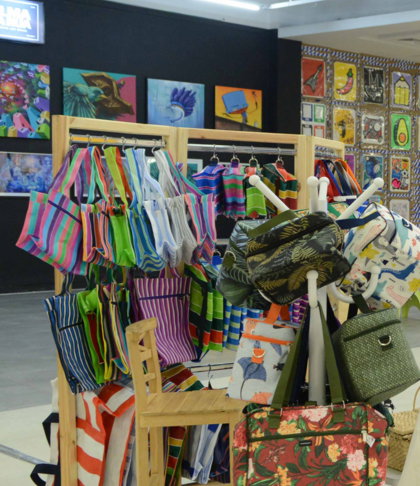
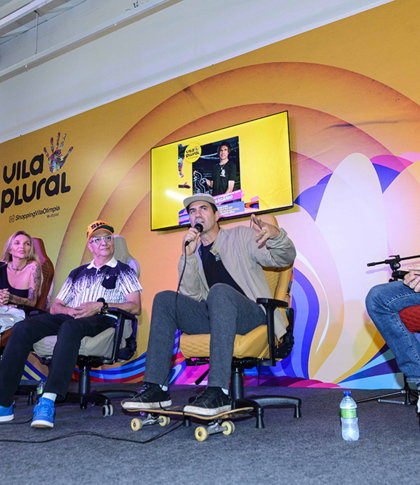
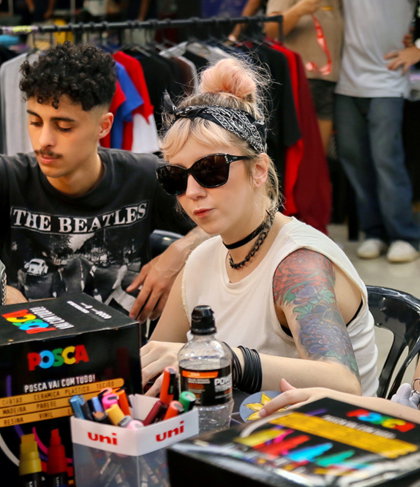
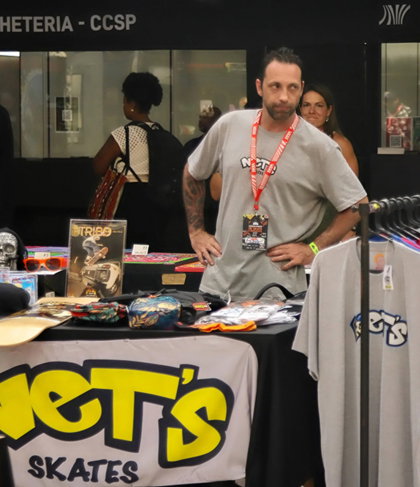
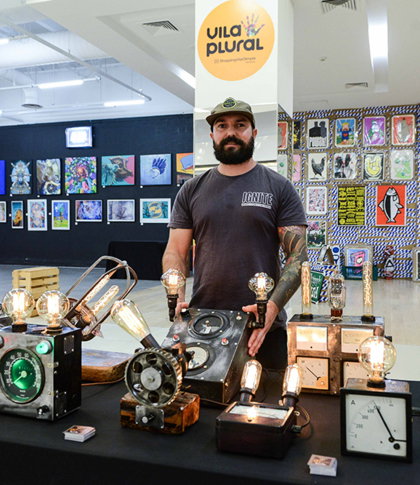
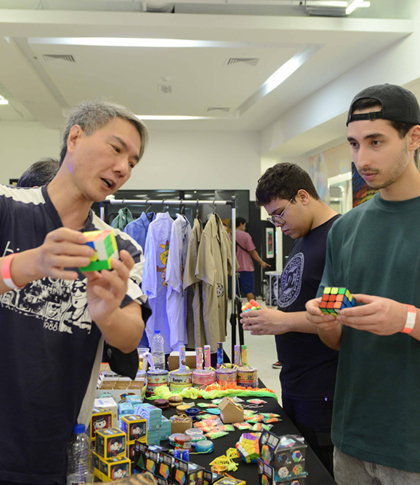
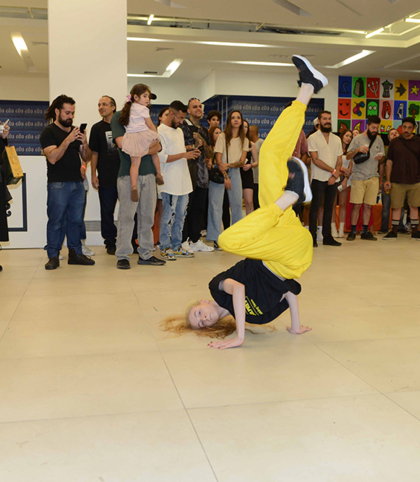
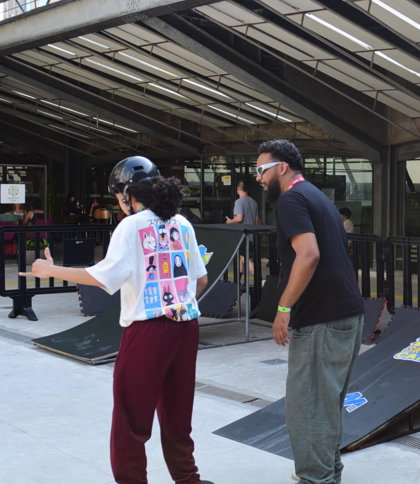
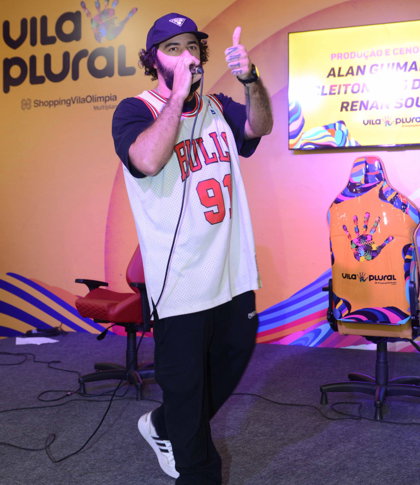
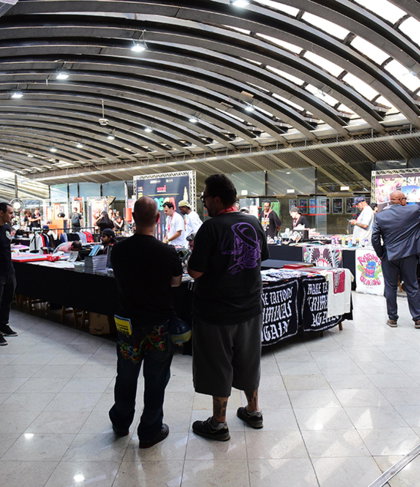
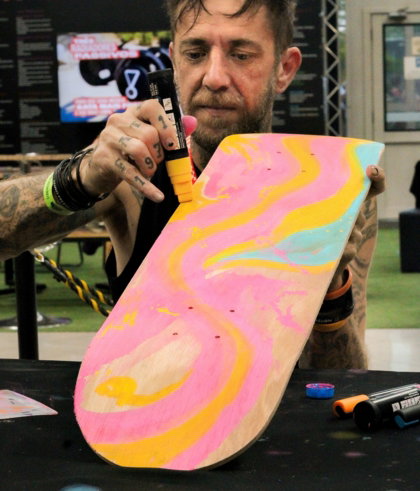
A Vila Plural é um projeto-piloto de entretenimento e empreendedorismo criativo. É um laboratório de experiências urbanas, mesclado com feira criativa, encontros de colecionadores, performances, expressões artísticas, design autoral, moda circular, sabores inusitados, música, dança e diversão.
O processo manual é a fonte de inspiração para a marca, com suas cores que representam a diversidade e a paixão pela arte e pela criação autoral, dentro de um processo de constante mutação e evolução.
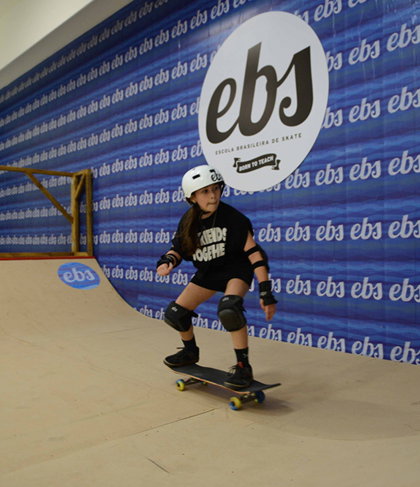
Criada em 2017, na Unibes Cultural, em parceria com a mostra Skt Art Expressions, a Vila Plural nasceu conectando arte, cultura e movimento. Em 2018, participou da Skate Weekend, no Museu da Imagem e do Som, e, em 2019, integrou a Virada Esportiva. Em 2023, ganhou um novo capítulo: tornou-se um hub de entretenimento criativo no Shopping Vila Olímpia, ocupando quase 1 mil m² com uma programação plural que reuniu shows, aulas de skate, exposições, convenções, talks, galeria de arte, roller dance e, claro, muita música.
Venceu o Prêmio Abrasce, da Associação Brasileira de Shopping Centers, com medalha de ouro na categoria de projeto mais inovador de 2024.
Em 2025, retomou as atividades dentro da Skate Week Experience e, agora, volta em grande estilo como um projeto independente e de forma mais constante, com duas edições confirmadas: uma nos dias 26 e 27 de setembro e outra de 26 a 29 de novembro, ambas no Centro Cultural São Paulo (CCSP), um moderno e tradicional polo de cultura da cidade e um dos mais importantes do país.
A edição de novembro acontece dentro da [Skate Week Experience].
A curadoria é do jornalista Paulo Anshowinhas, com design gráfico de Marina Yoshie, produção de Priscila Doro e comunicação de Aline Alcântara.
Faça parte da nossa comunidade e venha levantar a bandeira da Feira Criativa Mais Plural de São Paulo.
Vila Plural — Criatividade em Movimento
FEITO À MÃO,
FEITO POR MUITAS MÃOS
A manualidade está na essência da Vila Plural.
Valorizamos o fazer autoral, a criação artesanal e
as ideias que transformam materiais, espaços e pessoas.
CRIATIVIDADE QUE PASSA DE MÃO EM MÃO
FEITO À MÃO
Valorizamos produtores, artistas e criadores autorais, abrindo novos espaços para exposição, encontros e conexão direta com novos públicos.
OCUPAR E TRANSFORMAR
Ocupamos espaços públicos e culturais com arte, música, dança e experiências de forma inovadora, criativa, coletiva e divertida.
FAZER JUNTOS
Acreditamos na economia criativa, circular e colaborativa. Uma comunidade onde diferentes talentos se encontram, se apoiam e fazem acontecer.
A Vila Plural está de portas abertas, faça parte da nossa comunidade.
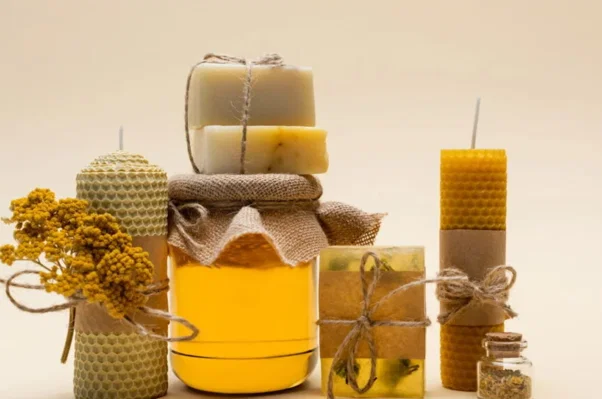
CURADORIA
ABERTA
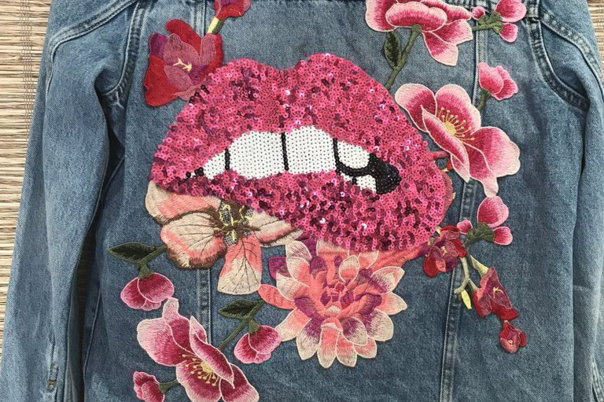
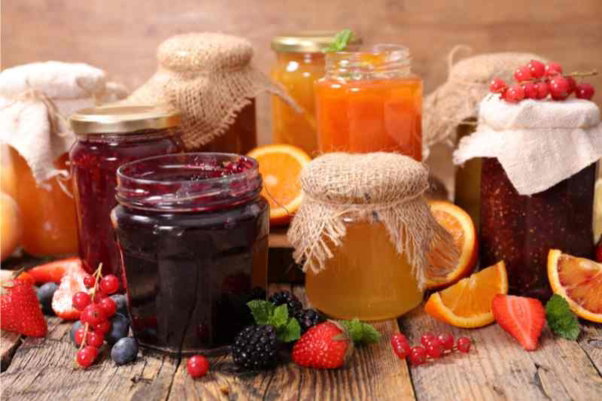
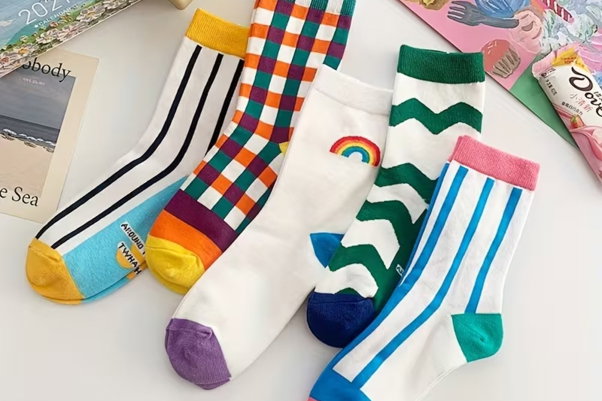
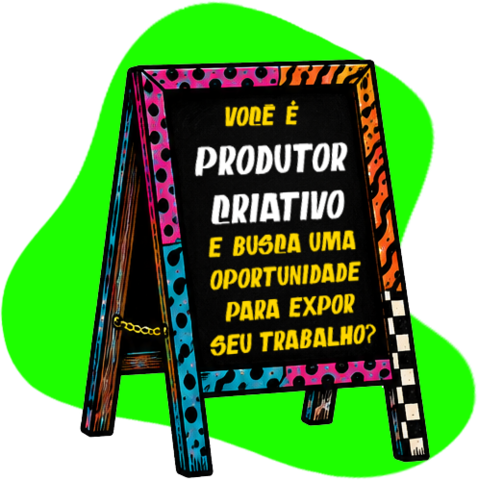
A Vila Plural valoriza quem acredita que a criatividade está em movimento e está sempre em busca de novos talentos para integrar nosso time de expositores, em feiras realizadas em diferentes espaços da cidade.
Se você produz arte, design, moda, decoração, música, gastronomia, artesanato ou produtos autorais, queremos conhecer o seu trabalho.
📩 Envie uma mensagem direta pelo Instagram @vilaplural para ser avaliado pela nossa curadoria ou clique abaixo e faça sua inscrição.
Botão
CCSP - Centro Cultural São Paulo
A Vila Plural ocupa o Centro Cultural São Paulo, um dos principais polos de arte e cultura da cidade. Um espaço onde criatividade, diversidade e diferentes expressões urbanas se encontram.
Venha viver essa experiência com a gente!
Local:
Rua Vergueiro, 1000 - Liberdade, São Paulo - SP, 01504-000

Nossa missão é inspirar a criatividade através de experiências urbanas colaborativas em todos os lugares